Relics with their own mechanics
Relics are designed around abilities rather than a single bonus number. Learning how each one behaves is a large part of the fun.
Minecraft: Java Edition mod
Relics adds wearable items with their own abilities, leveling and star-chart research. This codex explains what the mod does, which setup it needs and how to get your first relic working.
Codex entry: the mod
Relics is a Minecraft mod by Octo Studios that turns accessories into long-term companions. Each relic is built around unique abilities, grows through its own leveling system, and comes with randomized stats, so no two copies feel quite the same.
The authors describe it as a drag-and-drop mod with complex, carefully designed mechanics, where each relic can shine alone or in combination with other relics and even other mods. Recent builds add an ability research screen presented as constellations, which you complete before an ability works.
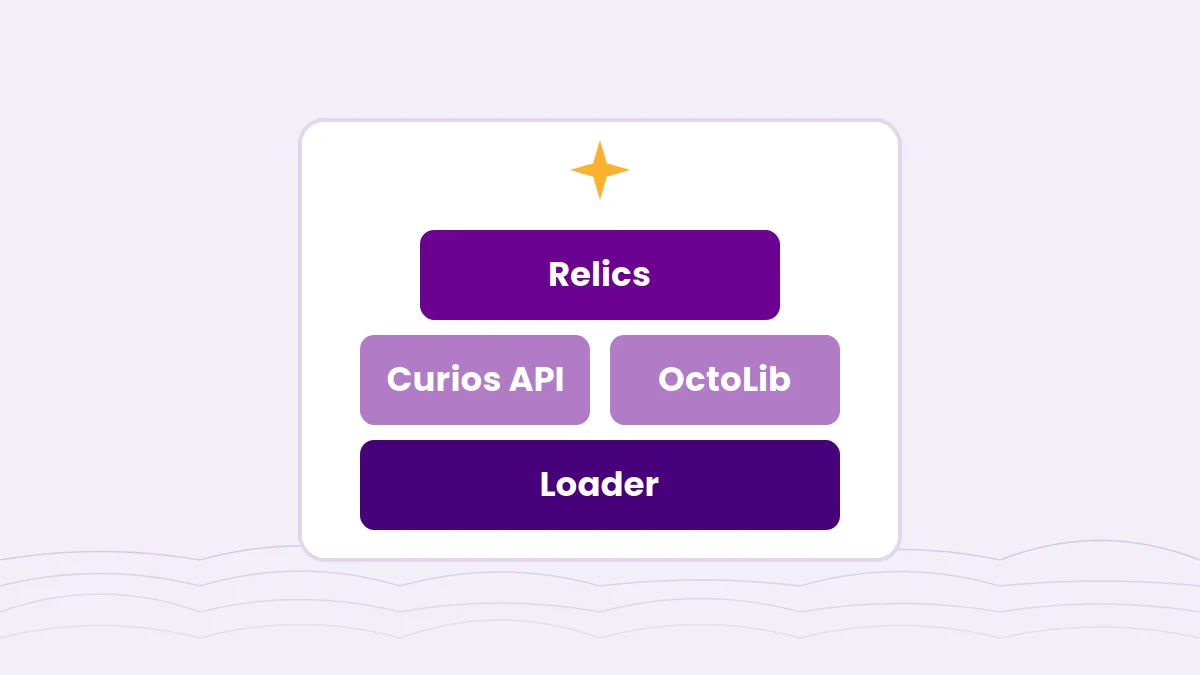
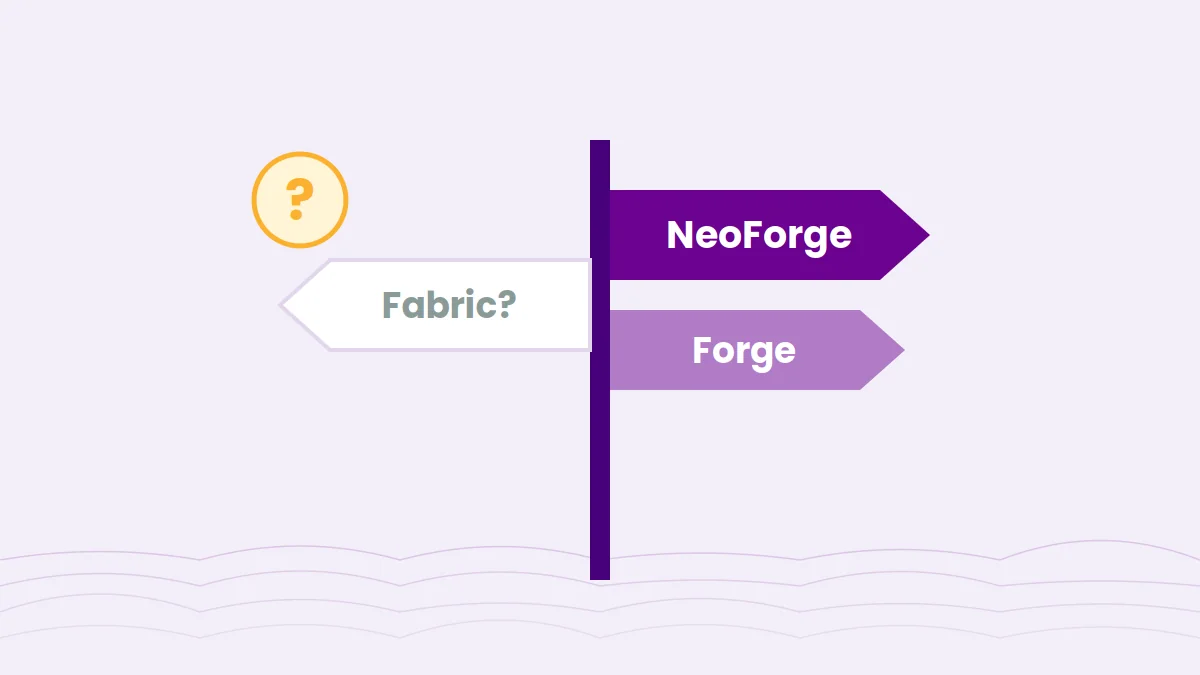
Relics is a Java Edition mod. It runs on Forge and NeoForge, depends on the Curios API for its equipment slots, and has required the OctoLib library since its 1.19.2 builds.
Along the route
Six things you will run into on a typical Relics playthrough, roughly in the order you meet them.
Relics are designed around abilities rather than a single bonus number. Learning how each one behaves is a large part of the fun.
Each relic levels up on its own, and its stats are rolled when it is created, so the same relic can be stronger or weaker in different hands.
An ability research screen shows abilities as star constellations. On recent builds, abilities need to be researched before they work.
Relics are worn in the extra equipment slots provided by the Curios API, leaving your armor slots free.
Relics are meant to combine. Pairing the right items, or adding compatibility addons for other mods, changes how strong a setup can be.
Recent 1.21.1 builds include an active ability menu with semi-automatic control while holding the right mouse button.
The journey
Four checkpoints take you from an empty instance to a relic whose abilities actually fire.
Choose a Minecraft version with a Relics build and install the matching loader: NeoForge for 1.21.1, Forge or NeoForge for 1.20.1, Forge for older versions.
Download Curios API and OctoLib builds that match your Minecraft version and loader.
Place the compiled Relics jar and its dependencies in the instance's mods folder, then launch the game.
Find relics through exploration, equip them in Curios slots and research their abilities so they start working.
Relics fits best where players want items that grow with them over a long run.
Per-relic leveling gives you a reason to keep and improve gear for hundreds of hours instead of replacing it.
Relics found through exploration reward travelling to new structures, and addons extend that to other mods' bosses.
Randomized stats and build choices mean players develop different relic setups, which makes trading and comparing more interesting.
Research, upgrades and synergies give theory-crafters plenty to test, especially in a creative test world.
Before you pack
Relics is a Java Edition mod for Forge and NeoForge. Match the Minecraft version, loader and dependency versions exactly.
Looking for Fabric? Read our Fabric explainer.
| Minecraft | Loader | Notes |
|---|---|---|
| 1.21.1 | NeoForge | Where new content lands. Recent 0.12 files include beta releases. |
| 1.20.1 | ForgeNeoForge | Older content set; no new features are back-ported. |
| 1.19.2 | Forge | First version line that requires OctoLib. |
| 1.18.2, 1.16.5 | Forge | Legacy builds. |
| Fabric / Quilt | Not listed | No Fabric or Quilt build in published listings. |
| Bedrock / Pocket Edition | Not applicable | Relics is a Java Edition mod. |
Compiled from public mod platform listings. Always confirm against the file you download.
Install Forge or NeoForge for your chosen Minecraft version, or make a matching instance in your launcher, and launch it once.
Use versions built for the same Minecraft version and loader as your Relics file.
Place the .jar in the mods folder. A source ZIP will not load; build it first
or use a compiled release.
Curios slots should appear in your inventory. On servers, install the same versions on the server and every client.
Need the detail? Follow the full installation guide.

This download is the Relics source code archive from the 1.21.0 branch of the Octo-Studios/relics repository on GitHub. It is intended for players and developers who want to read or build the mod themselves.
Download Relics ModThe archive contains source code, not a ready-to-play jar. To play, build it as described in the installation guide or use a compiled release from the mod's platform page. You will also need Curios API and OctoLib.
Relics changes a lot between Minecraft versions: the authors note that every port is a major update. Changelogs live on each file's page, so read them before updating a world.
Most problems trace back to setup. Find your symptom on the left.
Install Curios API and OctoLib versions that match your Minecraft version and loader.
Check that you used a compiled .jar for the right loader, not the source ZIP or a jar for another loader.
Research the ability on the research screen. Recent builds require this before abilities work.
Install the Relics version the addon supports and update both together.
Match Relics, Curios and OctoLib versions exactly on the server and your client.
More fixes, with log tips, in the crash and error guide.
Only install Minecraft mods from sources you trust, and be cautious with reuploads on unfamiliar sites, especially anything claiming to be an unofficial port. Relics is licensed All Rights Reserved, so mirrors are not approved by its authors.
relicsmod.com is an independent guide site and is not affiliated with Octo Studios, Mojang or Microsoft. Back up your worlds before installing or updating any mod.
Index of questions
Twenty answers in two chapters. Use the arrow keys to move between questions.
Relics is a Minecraft: Java Edition mod by Octo Studios (authored by SSKirillSS) that adds wearable relics with unique abilities, a per-item leveling system, randomized stats and ability research.
Published builds are for Forge and NeoForge. Recent 1.21.1 builds are NeoForge files, 1.20.1 has had Forge and NeoForge builds, and older versions use Forge.
No Fabric or Quilt build appears in the published file listings. Mods with similar names that do support Fabric, such as Relics (RPG Series), are separate projects.
Relics requires the Curios API, and builds since 1.19.2 also require OctoLib. Always check the dependency list on the exact file you download, since requirements can change between releases.
Relics has been published for 1.21.1, 1.20.1, 1.19.2, 1.18.2 and 1.16.5. New content is only added to the newest supported Minecraft version.
It downloads the Relics source code archive from the 1.21.0 branch on GitHub. A source archive is not a playable jar; it has to be built first, or you can use a compiled jar from the mod's platform listing.
Install Forge or NeoForge for your Minecraft version, then put the compiled Relics jar, Curios API and OctoLib into the instance's mods folder and launch the game.
Yes. Relics adds items, so the server and every player need it, with matching Relics, Curios and OctoLib versions.
The mod page answers this in its own FAQ. Read the current wording there, and keep in mind the mod is licensed All Rights Reserved, which restricts reuploading the files.
No. This is an independent guide site and is not affiliated with Octo Studios, Mojang or Microsoft. The authors point players to octo-studios.com for official information.
Relics are mainly found through exploration loot. Locations depend on the relic and the version, and addons can add sources such as boss drops.
Relics are accessories, so they go into the extra slots added by the Curios API rather than armor slots. Which slot a relic fits depends on the relic.
On recent builds, abilities must be researched before they work. Open the ability research screen for that relic and complete its research, then test again.
The ability research screen presents abilities as star constellations. Researching an ability means completing its constellation, following the prompts your version shows.
We do not publish one. Patterns belong to specific abilities and change between versions, so the in-game research screen is the reliable reference for the build you run.
Relics gain experience through use, and levels let you strengthen individual ability stats. The exact rules vary by relic, so check each relic's information screen.
Relic stats are randomized when the item is created, so copies of the same relic can roll different values.
Relics are designed to work alone and in combination with other relics or mods. Recent builds also show synergy mode switching in the active ability menu.
Yes. More Relics adds extra relics, and Reliquified Twilight Forest adds relics from Twilight Forest bosses. Each addon supports specific Relics versions.
No. According to the mod's FAQ, new content is only added to the latest Minecraft version that Relics supports.